자바 공부/[자바] 기본 공부
[Vue.js] Axios
햅2024
2024. 12. 5. 21:17
Axios
- Vue에서 권장하는 Http 통신 라이브러리
- Vue-router와 마찬가지로 설치 또는 CDN을 통해 사용 가능
- <script src="https://unpkg.com/axios/dist/axios.min.js"></script>
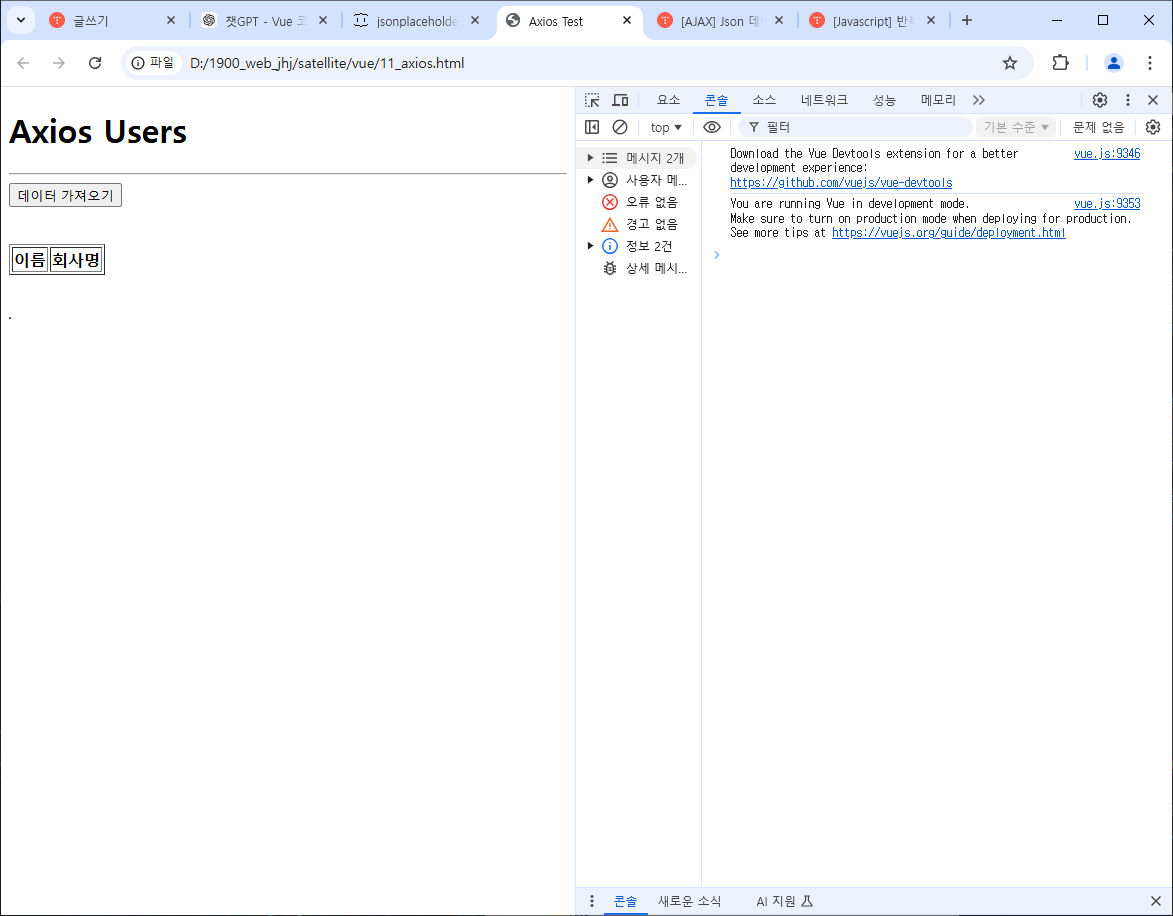
- axios를 활용하여 uer-list를 화면에 구현
- json 데이터 제공 사이트 : https://jsonplaceholder.typicode.com/users/
<!DOCTYPE html>
<html>
<head>
    <title>Axios Test</title>
</head>
<script src="https://cdn.jsdelivr.net/npm/vue/dist/vue.js"></script>
<script src="https://unpkg.com/axios/dist/axios.min.js"></script>
<body>
    <h1>Axios Users</h1>
    <hr>
    <div id="axiosdiv">
        <button @click="getData">데이터 가져오기</button>
        <br>
        <ul>
            <li v-for="user in users" :key="user.id">
                {{ user.name }}
            </li>
        </ul>
        <!-- 테이블로 구성 된 user의 이름과 회사명을 display -->
        <br>
        <table border="1">
            <thead>
                <tr>
                    <th>이름</th>
                    <th>회사명</th>
                </tr>
            </thead>
            <tbody>
                <tr v-for="user in users" :key="user.id">
                    <td>{{ user.name }}</td>
                    <td>{{ user.company.name }}</td>
                </tr>
            </tbody>
        </table>
        <br><br>
        <table border="1">
            <tr v-for="user in users">
                <td>{{user.name}}</td>
                <td>{{user.company.name}}</td>
            </tr>
        </table>
    </div>
</body>
<script>
    var app12 = new Vue({
        el: '#axiosdiv',
        data: {
            users: [] // 빈 배열로 초기화
        },
        methods: {
            getData: function() {
                var vm = this;
                vm.users = []; // 데이터 초기화
                axios
                    .get('https://jsonplaceholder.typicode.com/users/')
                    .then(function(res) {
                        console.log(res);
                        vm.users = res.data; // API에서 받아온 데이터 저장
                        console.log(vm.users[0].company);
                    })
                    .catch(function(err) {
                        console.error(err); // 에러 처리
                    });
            }
        }
    });
</script>
</html>